
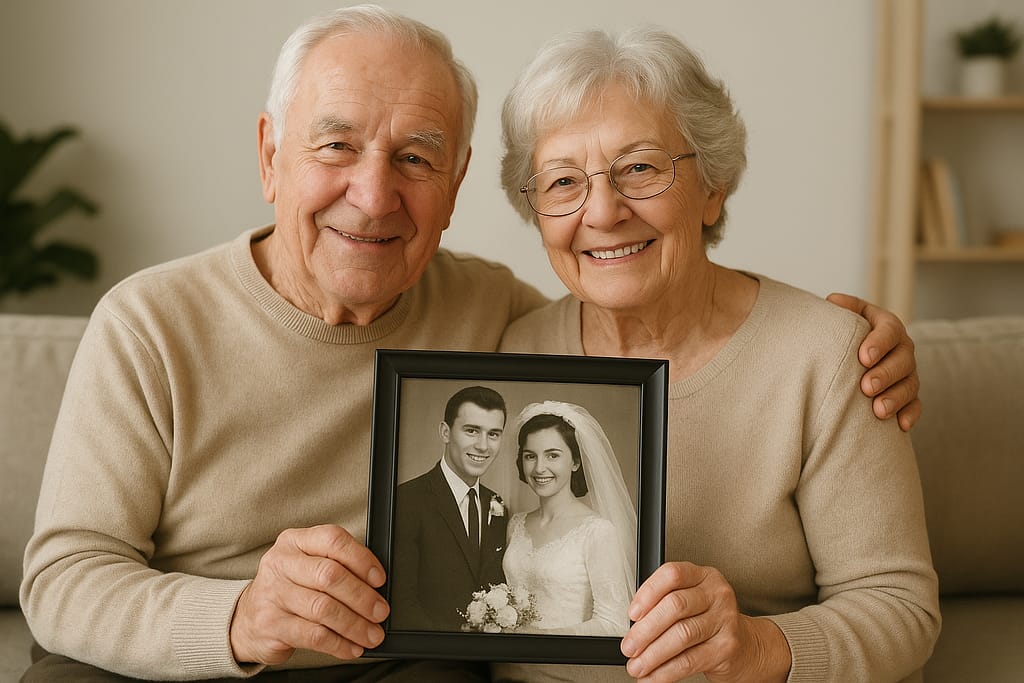
What if you could restore a resident’s treasured wedding photo to full color in seconds? Or show a family exactly how their loved one’s new room could look, all without hiring a graphic designer?
Well now you can with a new, free AI tool from Google. It’s called Nano Banana (officially Gemini 2.5 Flash Image), and it’s an incredibly powerful, yet simple, image editor that anyone can use.
For busy care homes, it offers practical solutions to save time, enhance marketing, and create meaningful resident experiences.
Here are 7 ways your Care Home can start using this tool today.
1. Bring Cherished Memories to Life with Photo Restoration
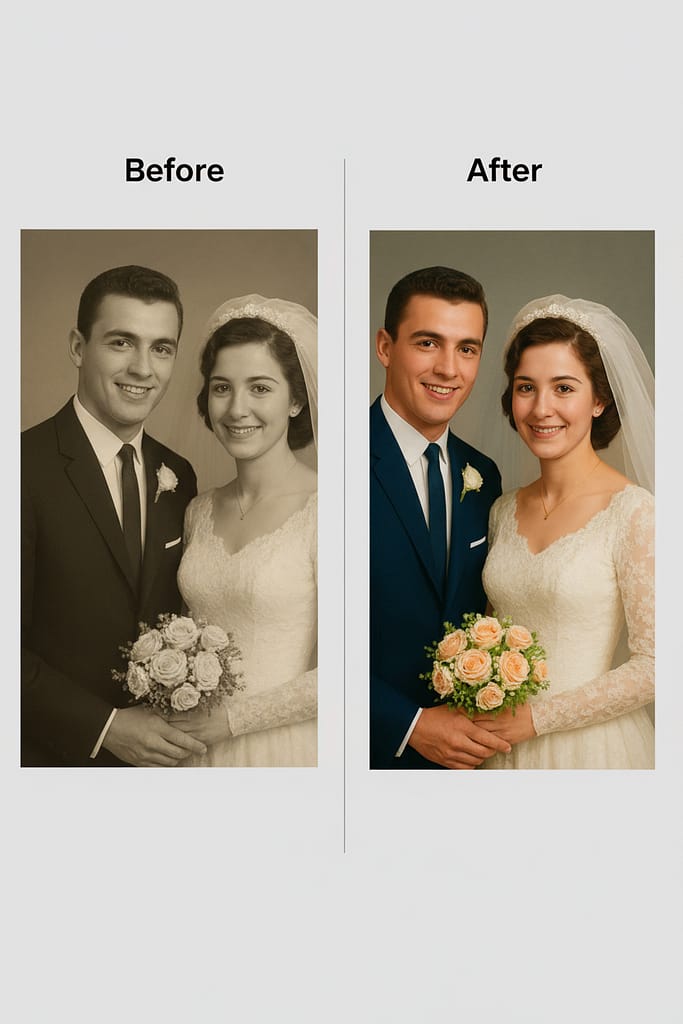
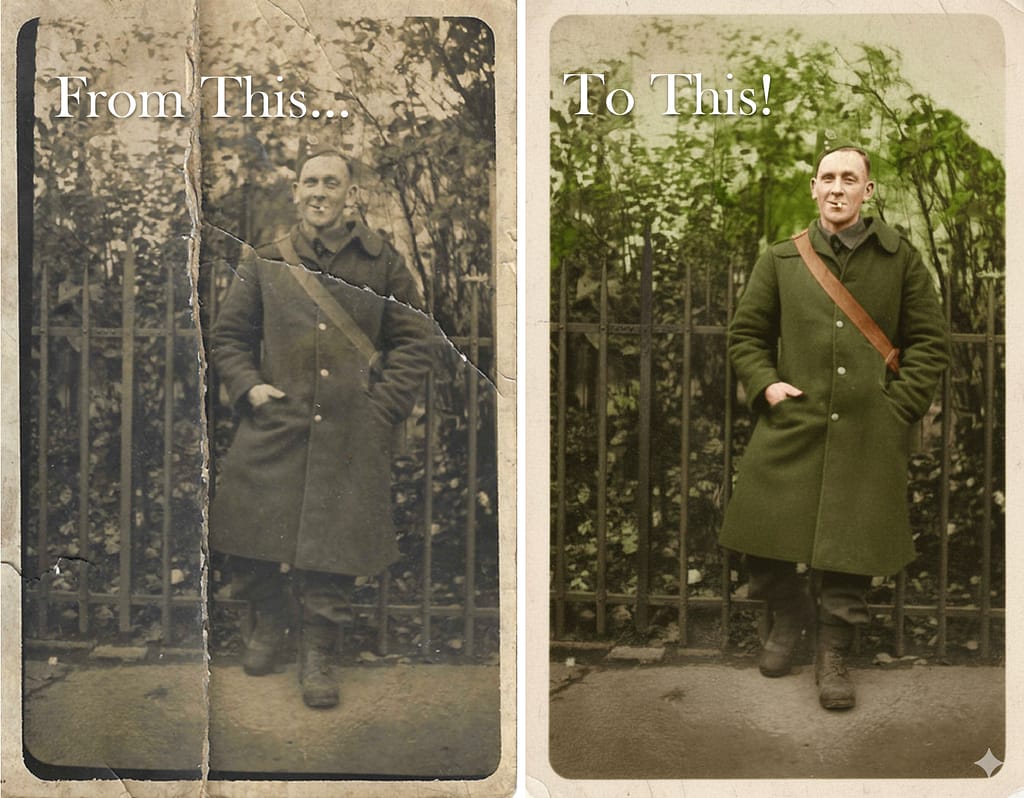
One of the most powerful uses for this AI is as a group or one-on-one activity. Residents can bring in old, faded, or even damaged family photos and watch as the AI restores them to their former glory, adding vibrant, realistic color. It’s a wonderful way to spark conversations and relive precious memories.
Try this: Upload an old photo and use the prompt:
“Restore and colorize this vintage photo with natural skin tones and historically accurate clothing colors. Please fix any cracks or damage and improve the overall clarity while keeping its authentic, vintage character.”
2. Virtually Redecorate Rooms to Inspire New Residents
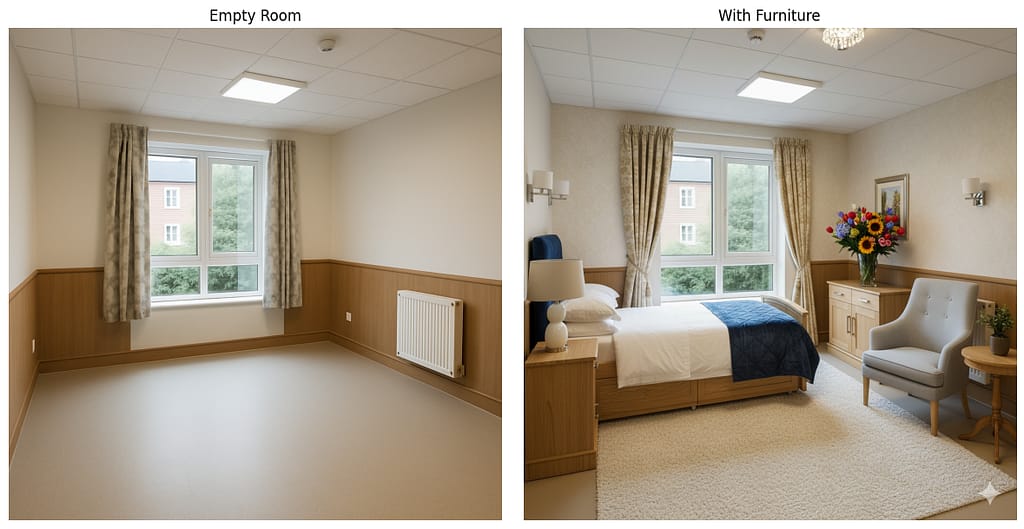
Marketing a vacant room can be challenging when it’s empty. Use Nano Banana to stage it virtually. Show prospective families how the space can be transformed into a cosy, personalised haven, helping them envision their loved one living there.
Try this: Upload a photo of an empty room and use the prompt:
“Transform this room into a cosy, Scandinavian minimalist design. Add warm wood furniture, pastel-colored walls, a comfortable armchair, and some green plants to make it feel warm and inviting.”
3. Create Professional Posters for In-House Events
Need a quick, eye-catching poster for your upcoming summer fair or holiday party? Simply take a photo of your garden or lounge and let the AI turn it into a professional-looking announcement in seconds.
Try this: Upload a photo of your care home’s garden and use the prompt:
“Turn this image into a poster for our ‘Annual Summer Fair’. Add the text ‘Summer Fair!’ at the top in a fun, sunny font. Add ‘Saturday, 2 PM’ at the bottom. Make the image bright and vibrant.”

4. Solve Photo Permissions by Removing People Seamlessly
You have the perfect photo of a lively group activity, but one resident hasn’t given permission for their picture to be used online. Instead of losing a great shot, you can now remove them seamlessly, with the AI intelligently filling in the background.
Try this: Upload the group photo and use the prompt:
“Please remove the person in the red sweater from this image. Fill in the background naturally so it looks like they were never there.”

5. Make Your Care Home Shine with Perfect Weather
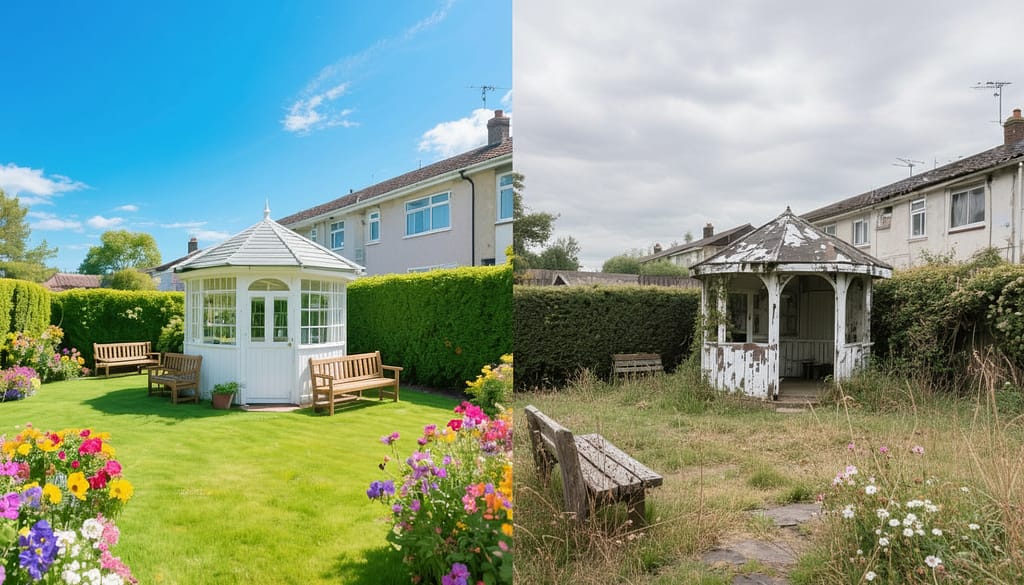
Don’t let a grey, overcast day make your building look dreary in photos. This tool can instantly change the weather, adding blue skies and beautiful sunshine to your exterior shots, making your home look warm and welcoming on your website and social media.
Try this: Upload an exterior photo and use the prompt:
“Change the weather in this photo. Make it a bright, sunny day with a clear blue sky and a few fluffy white clouds. Adjust the lighting on the building and grounds to match the sunny conditions.”
6. Create Heartwarming Photos for Families
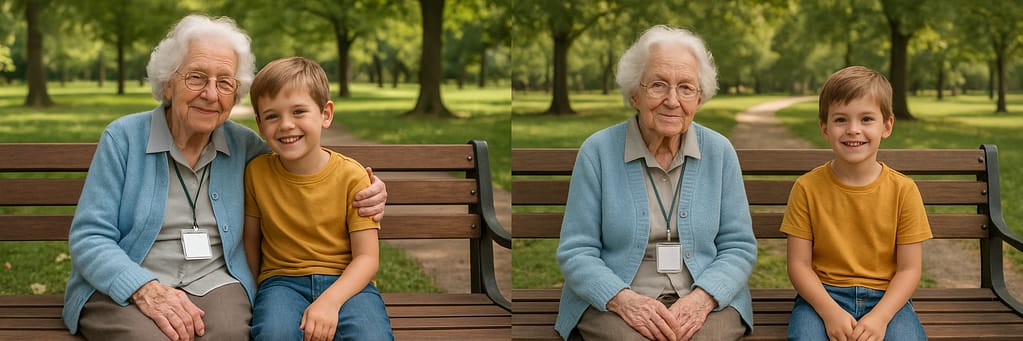
Nano Banana can blend people from different photos into one seamless image. This is perfect for creating a special photo for a resident with a family member who lives far away, or for creating a group shot of residents who weren’t all available at the same time.
Try this: Upload a photo of a resident and another of their grandchild and use the prompt:
“Create a new image where the woman from the first image is sitting on a park bench and hugging the child from the second image. Make it a happy, sunny day and blend them together naturally.”
7. Have Fun with Virtual “Try-Ons”
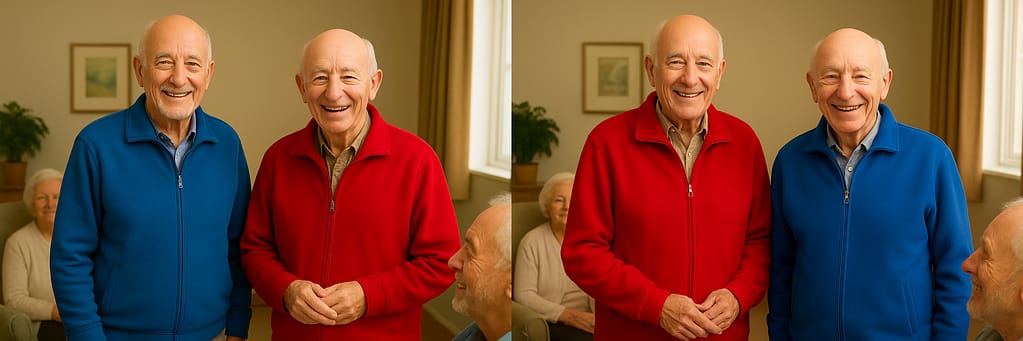
This is a fun and simple activity. A family sends a new sweater, and you can show the resident what it looks like on them without them having to change. Or, just have a laugh by trying on different fun, virtual outfits.
Try this: Upload a photo of a resident and a photo of a jacket and use the prompt:
“Make the person in the first image wear the jacket from the second image. Ensure the jacket fits naturally and maintains the original photo’s lighting and shadows.”
Getting Started
These are just a few of the care home uses for Nano Banana. What’s your favourite? What would you use it for? Let us know! We’d love to hear what you think.
